

Scan, check, done.
Your crew scans the unit and fills out a short form in the time it used to take to find a pen. Scanning isn't a paid add-on or an extra seat. It's the whole point.

The check you already do, finally written down somewhere it can't fall off.
Never lost, never forgotten. Always ready for the next job.
Your crew already checks every tent, trailer, generator, and chair cart. CampMarshal gives those checks a home. One scan, one quick form, and a dated record that reaches the right person the moment it's saved.
Month to month. Cancel any month.
White event tent on grass under a blue sky. Photo by Hannah Shedrow.
Every crew I've worked with already does quality checks, over and over. At setup. At takedown. When it comes back to the yard. When it's sitting in the trailer between jobs and somebody fires it up to make sure it still runs.
The checking isn't the problem. It's where the answer ends up.
That's how good gear sits broken in a trailer, and how you end up arguing with a customer about a dent with nothing to show them.

Print a batch of QR codes from your browser and stick them on whatever makes sense for your operation. A whole trailer or each stall inside it. A chair cart or every chair on it. A pallet of cots or the shelter kit they ship in.
At setup, takedown, return, or a readiness check, your crew scans the unit with the CampMarshal mobile app and a short form comes up. Tires good? Seams holding? Starts and runs? Thirty seconds, a photo if something's off, and it's saved with the date, their name, and where they were standing. No signal out at the site? It saves on the phone and syncs when they're back in range.
If something's wrong, the report goes straight to whoever handles it: your shop lead, your logistics lead, the person responsible for that unit. Not when the clipboard comes back. Right then.
In the CampMarshal web app, your office team reviews reports, sees what's ready and what's on hold, pulls billing records, and exports what they need. Every check on every unit stays in one dated history, so the newest answer replaces the old one instead of piling on top of it.
Some tools make you choose between tagging every single piece or tracking nothing. CampMarshal lets you put a code on anything, at whatever level makes sense.
Let the public tell you. Stick a public code on a porta-potty, a shower trailer, or a restroom door: "Does this need cleaning? Let us know." Guests, residents, or volunteers scan it, leave a note on a simple web page, and your team sees it right away. No app, no login. You can turn public feedback on or off anytime.
Your crew scans the unit and fills out a short form in the time it used to take to find a pen. Scanning isn't a paid add-on or an extra seat. It's the whole point.
Snap the dent, the tear, or the leaking line right when you find it. When a customer says "it was like that when I got it," you pull up the check-out report with the photo attached. You get the same photo-backed condition record that some companies buy as a separate subscription, built right into the check your crew already does.
Every scan saves where the phone was. For most gear, that's all you need. You don't need hourly tracking on a tent that moves once a month. You need to know where it was set up and where it went into storage. No trackers to buy, no batteries dying on gear that sits all winter.
Plenty of field apps stall the moment the bars drop. Yards, fields, and disaster sites don't always have signal, so scans, reports, and photos save on the phone and sync when you're back in range. Your data is stored encrypted on the device while it waits.
Every check, photo, and note in one place, newest first. No more guessing which piece of tape is the latest.
A finding goes out instantly to the roles you choose, plus anyone following that item and the person responsible for it. Everyone can opt out of what they don't need.
Put a wet tent, a dirty linen bag, or a unit waiting on repair on a hold, with your own hold types and a reason. Held items can't be booked until someone clears them. It does what a red tag was supposed to do, except it can't fall off.
See where every item was last scanned, from the yard to the venue to the shelter, without bolting a tracker onto anything.
Set check rules by calendar, by status, or by time in use, like "every 100 hours in use" or "every six months." When something's due, the right people get a reminder and a task lands in a maintenance queue your mechanics can claim, skip, or reassign. That's the kind of preventive maintenance schedule you'd expect from dedicated fleet maintenance software, on the same record as your checks.
See how much of your fleet is up and ready, by category and date. Know which units are earning and which are sitting in the shop.
A day-by-day record of the equipment and crew on each job, as a table or a CSV you can hand to whoever does your invoicing.
Export to CSV, send reports to your own systems with webhooks, and pull your records through our API, all from the web app. See the integrations below.
We looked hard at what equipment crews put up with from other tracking and rental software. Here's what we did about it.
A lot of tracking platforms lock you into multi-year contracts that renew on their own. CampMarshal is month to month. Cancel any month.
Other quotes come back with extra charges for scanning, extra users, or calling support. We quote you a package that covers what your team actually needs, and nothing you don't, so the number you see is the number you pay. Help using CampMarshal is included: how-to questions, troubleshooting, and account help.
Some field apps fail the moment you're out of range, which is exactly where equipment work happens. CampMarshal saves scans, reports, and photos on the phone and syncs when you're back online.
Trackers die on idle gear, and some tags cost more than the chair they're stuck to. CampMarshal starts with a printed QR code and the phone already in your crew's pocket.
Without a dated record, it's your word against theirs. Every check-out and return in CampMarshal is dated, named, located, and can carry a photo, so you're settling disputes with a report instead of an argument.
No install truck, no hardware shipment, no months of onboarding. Print your codes from the browser, stick them on, and your crew starts scanning.
CampMarshal is built for event rental operators, rental yards, heavy equipment owners, and emergency shelter teams.
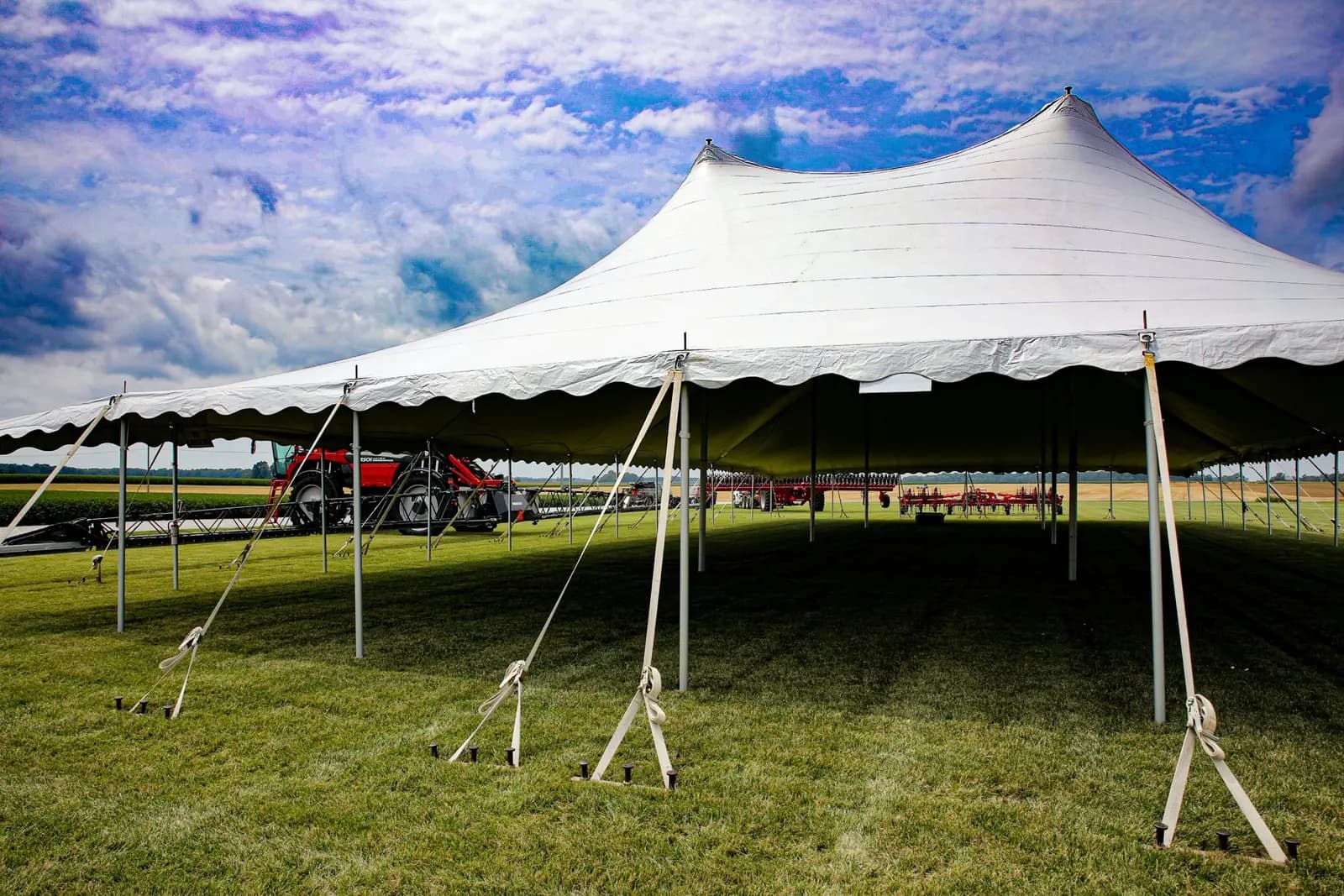
Tents, tables, linens, and inflatables checked at every setup and takedown, with a dated record that never falls off.
See how it works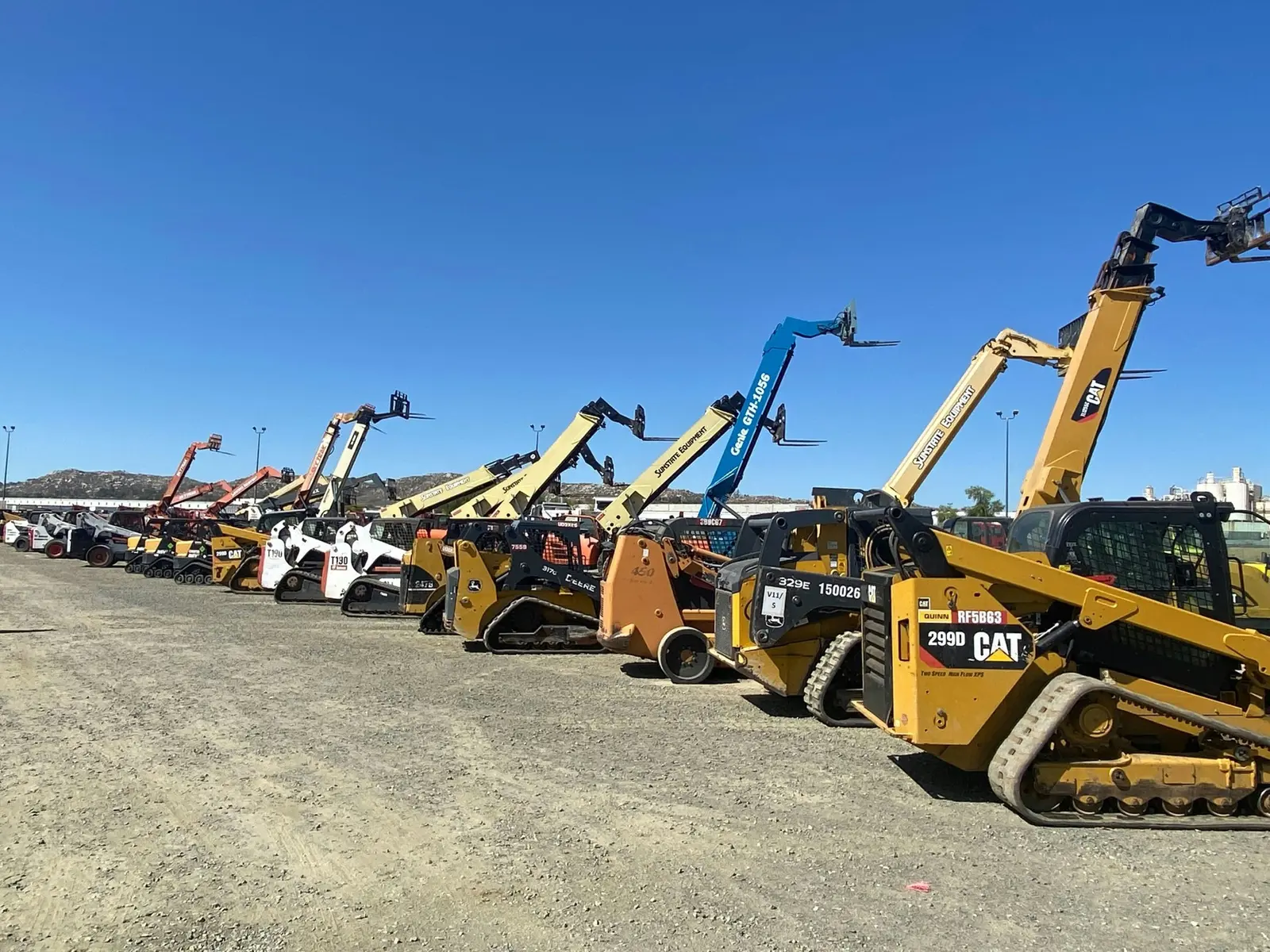
Check-outs, returns, and photo-backed condition records for every unit on the lot.
See how it works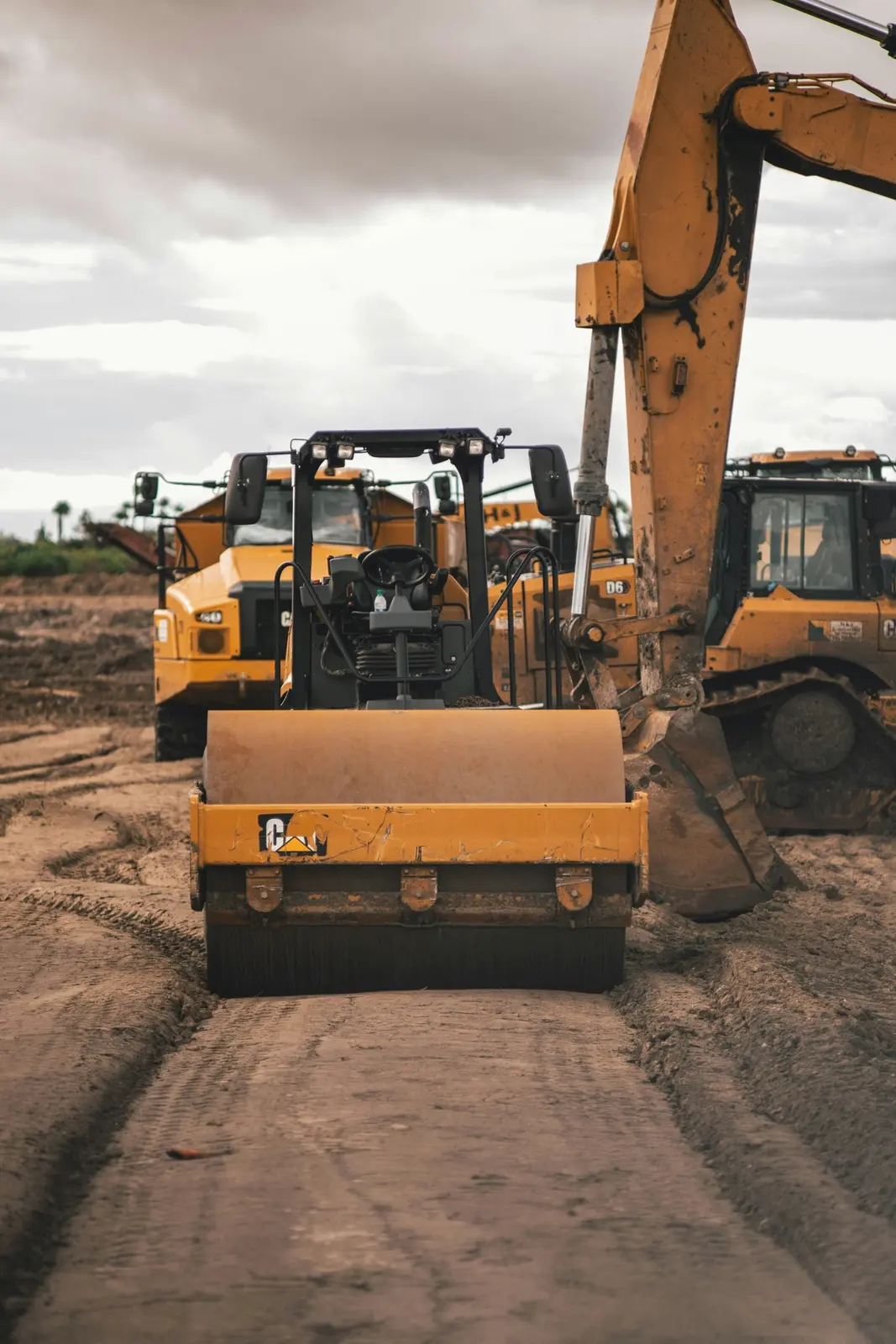
Excavators, generators, and attachments with a dated walkaround, maintenance schedule, and last known location.
See how it works
Shelter kits, cots, and generators checked, dated, and ready before the call comes.
See how it worksI used to work for a disaster relief company. We'd test the big generators and AC units every chance we got, and somebody would write the result on a piece of tape and stick it on the unit. Nobody dated it, and nobody pulled the old tape off. I'd find three "works great" notes and one "broken, do not send out" on the same machine and have no idea which one was true. That mess is one of the main reasons I built CampMarshal.
Ethan Ferrier, Founder

We work with large and small companies, and large and small fleets, so a single listed price wouldn't do you any favors. Tell us about your gear and your crew, and we'll build a package with everything you need and nothing you don't.
Month to month. Cancel any month.